JPG / PNG to PDF
Turn JPG and PNG images into a single PDF, with fit and page-size options.
Your images, ready for a new chapter.
Drop JPG or PNG images here, or choose from your device.
100 MB per file · 250 MB per workspace · No uploads
From pictures to pages.
Turn JPG and PNG images into a single PDF, with fit and page-size options. PDFapp runs this tool entirely in your browser, so you can work without creating an account or uploading documents.
How to use JPG / PNG to PDF
- Choose your JPG or PNG images from your device.
- Review the file order or adjust the available settings.
- Run the tool and download your result. Clear the workspace when you are finished.
Is this tool free?
Yes. All tools in this MVP are free, with no registration or paid tier.
Where are my files processed?
On your device, inside the browser. Documents are never sent to our server. The host may log ordinary requests for website assets.
Which files are supported?
Unencrypted PDFs and, for image conversion, JPG and PNG files. Large or complex documents may exceed your device's memory. Password-protected PDFs, OCR, signatures and PDF forms are outside this MVP's guarantees. Editing can invalidate digital signatures.
Example: put two scans into one PDF
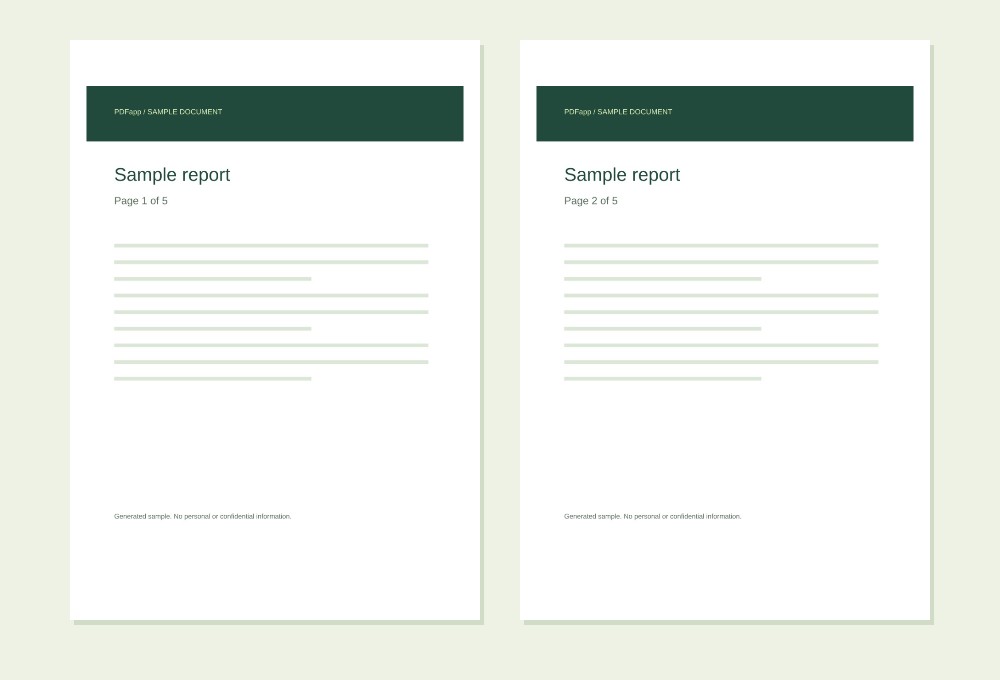
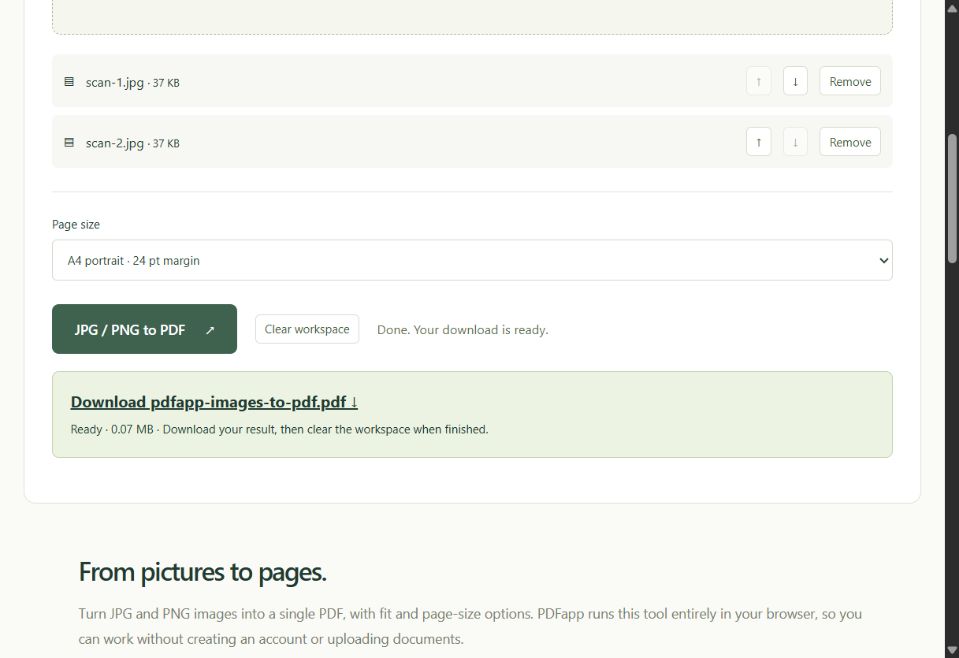
Turn scan-1.jpg and scan-2.jpg into a 2-page PDF. Each image becomes its own page, in the order shown in the file list.
Numbers show page counts or selected page numbers.
- Add the two JPG or PNG images and use the arrows to set their order.
- Choose A4 portrait for standard pages with margins, or Fit image for pages sized to each image.
- Choose JPG / PNG to PDF and download the document. Review text legibility before printing or sharing.
Expected result: a 2-page PDF. A4 mode fits each image inside a 24 pt margin without cropping; Fit image uses the image pixel dimensions as PDF points.
View the example in the tool
Questions about this tool
Can I mix JPG and PNG images?
Yes. You can combine JPG and PNG files in one PDF. Each selected image becomes one page. HEIC, GIF, TIFF and WebP are not accepted by this tool.
Will my images be cropped or stretched?
No. A4 mode keeps the aspect ratio and centers the whole image inside the margins. Fit image creates a page with the same proportions as the source image.
Will a scanned document become searchable text?
No. This tool places images into a PDF and does not perform OCR. Text in a scan stays part of the image; use a dedicated OCR tool if you need selectable or searchable text.
Keep working
Merge PDFSplit PDFRotate PDFReorder PDFDelete PDF pagesPDF to JPGWatermark PDFPage numbers